How to import Dot3D data into AutoScene Draw (ASD) with scale (but without GPS)
It's easy enough to drag and drop a geospatially referenced geoTIFF from Dot3D straight into AutoScene Draw (ASD), but what about when you don't have geospatial control (i.e. an indoor scan or iPad scan), but still want to bring the data in with scale? Please follow these steps:
STEP 1: Export scaled TIFF from Dot3D.
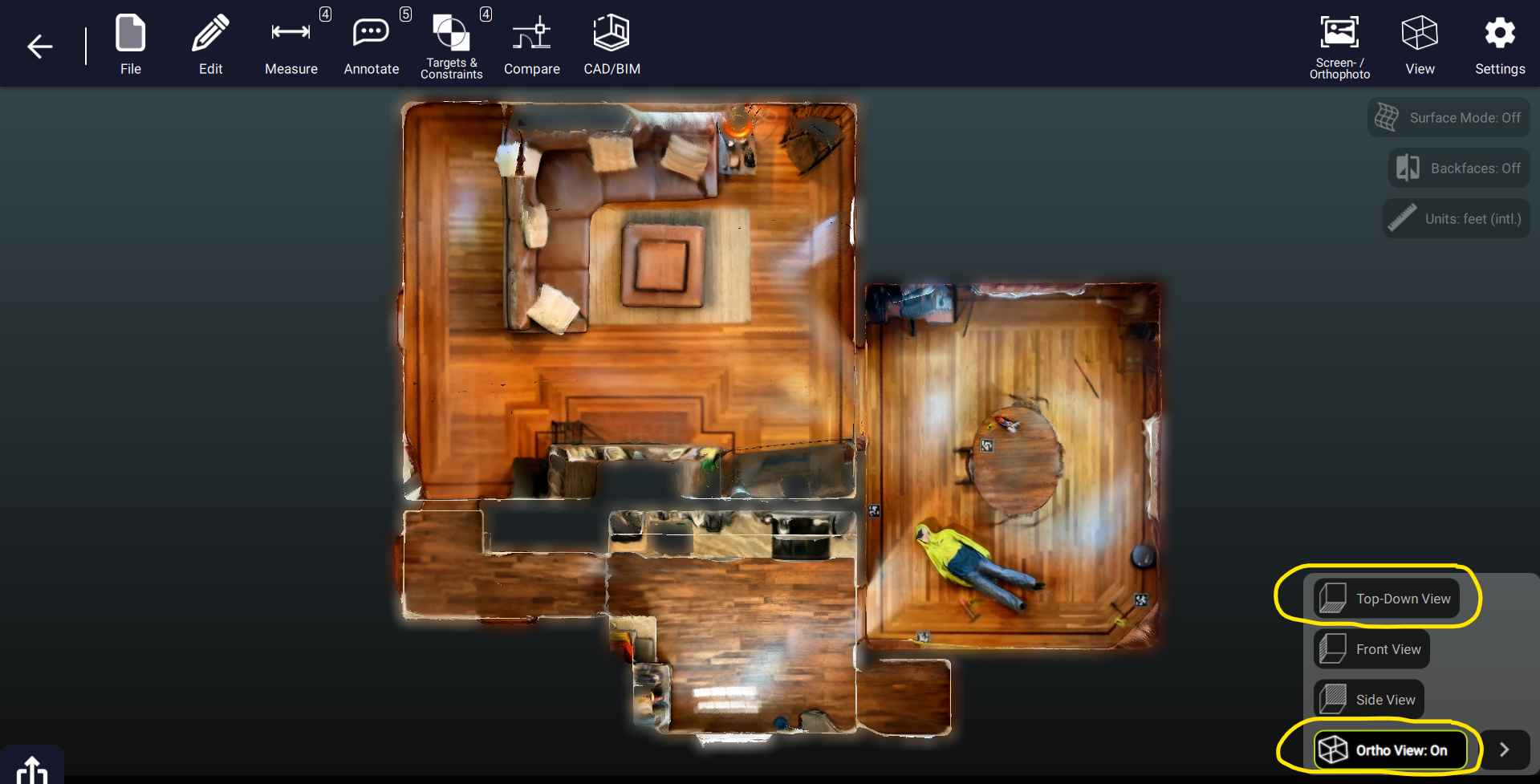
STEP 1: Export scaled TIFF from Dot3D.
STEP 2: Drop the TIFF into ASD and reset the scale (from gear icon > Size > Reset Scale).